How to Assign a New Team Owner
Last updated: November 30, 2025
To assign a new owner to your team, follow these steps:
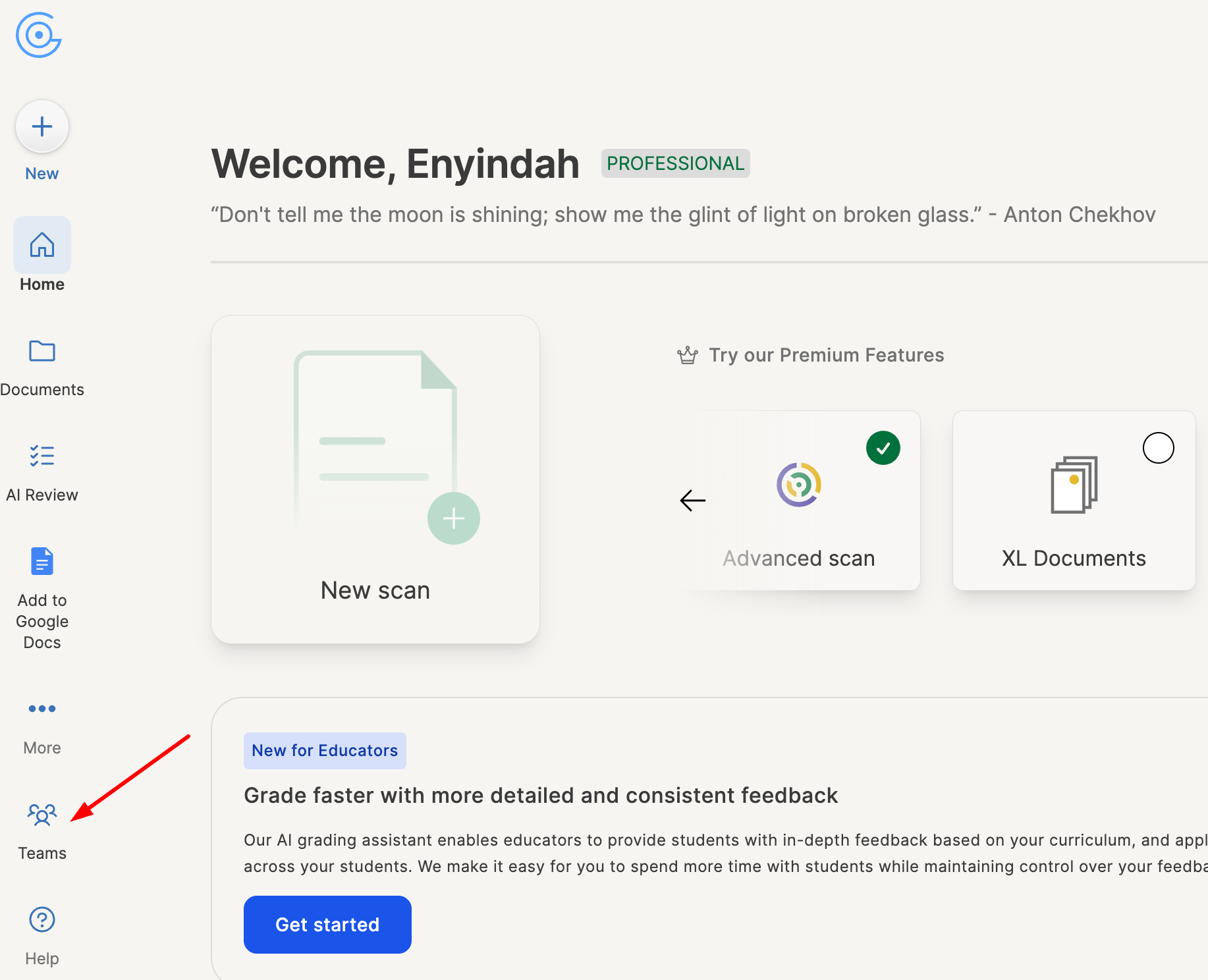
From your dashboard, click Teams.
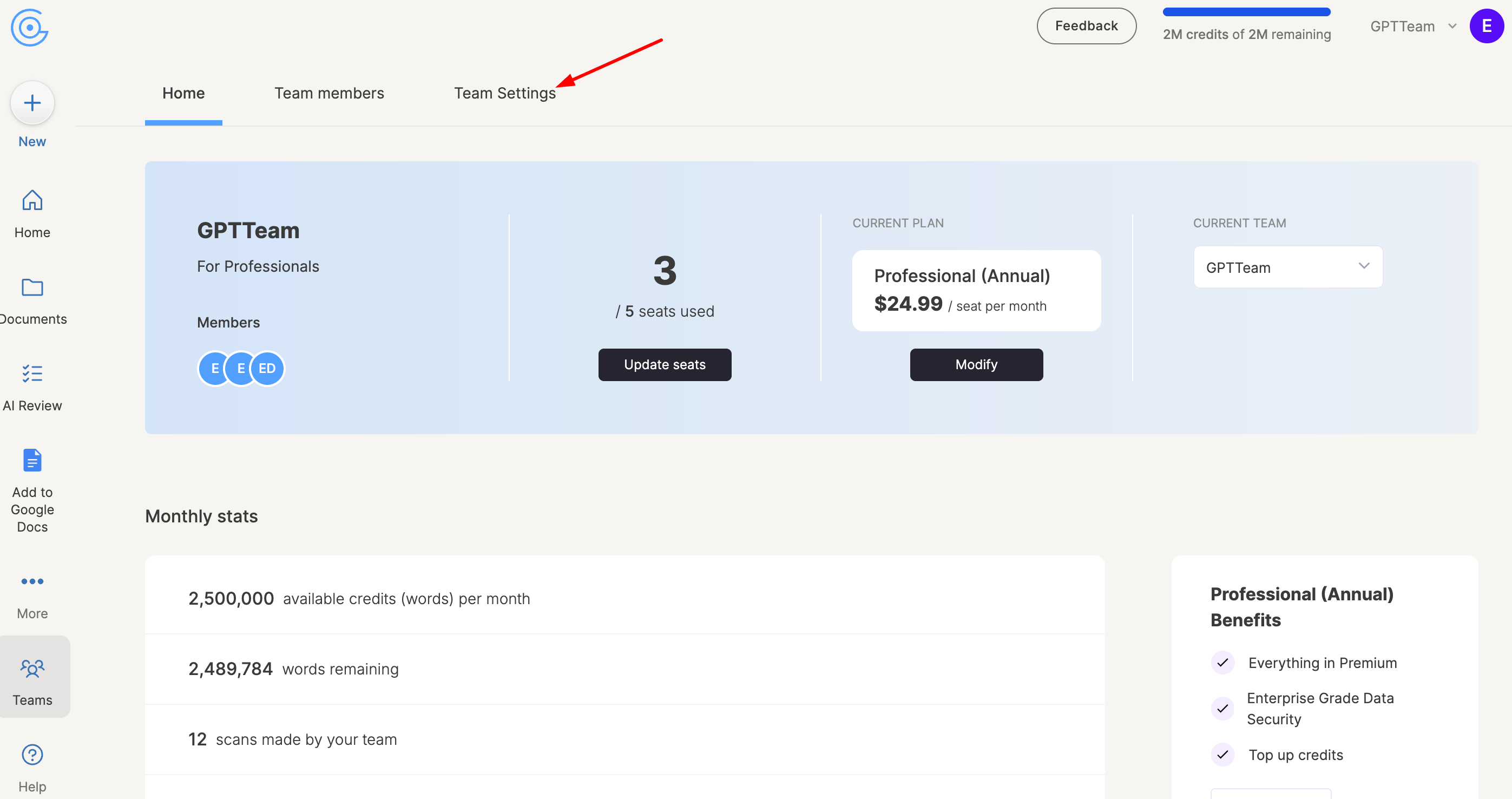
Go to the Team Settings tab.
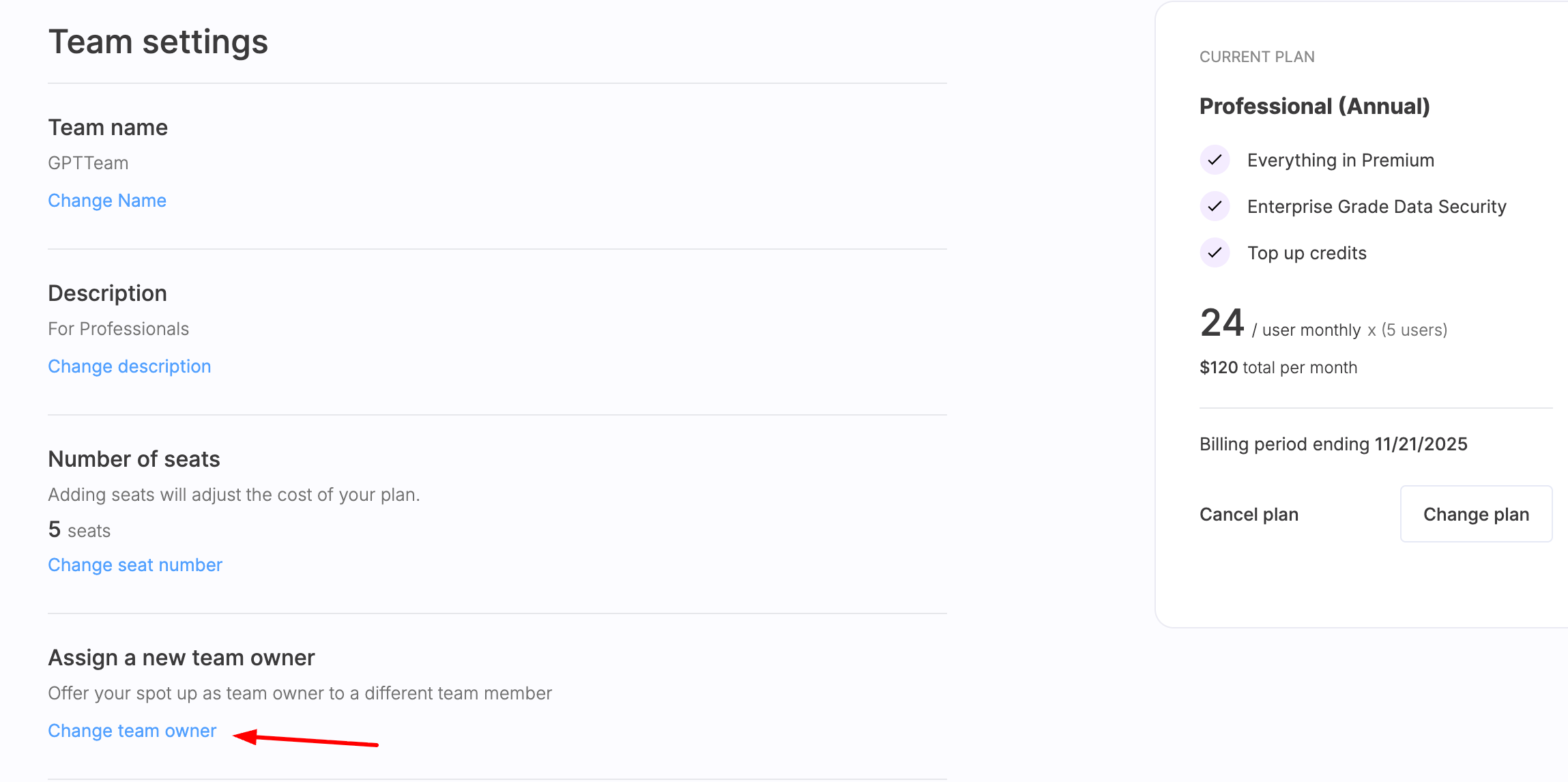
Click Change Team Owner
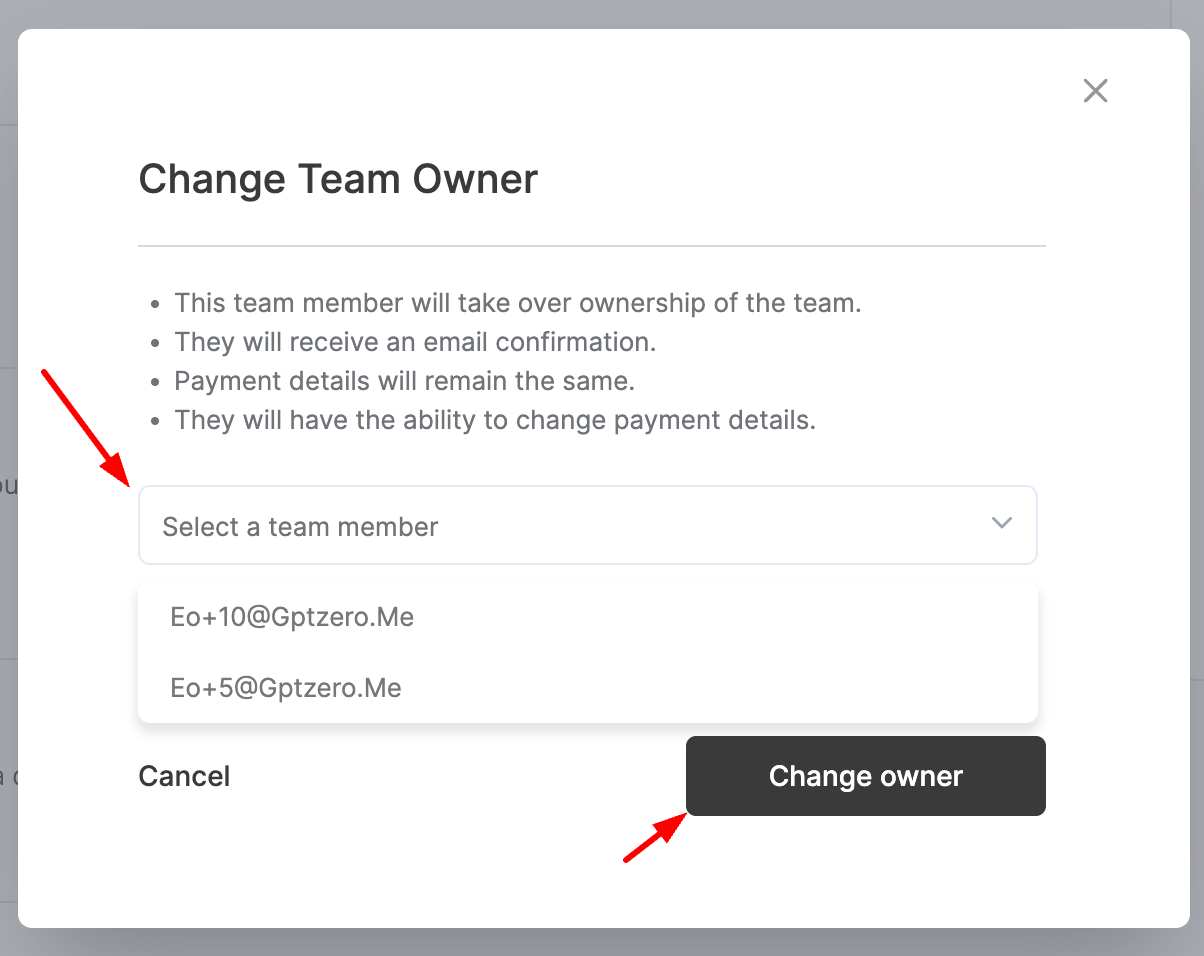
Select the team member you want to make the new owner, then click Change Owner.
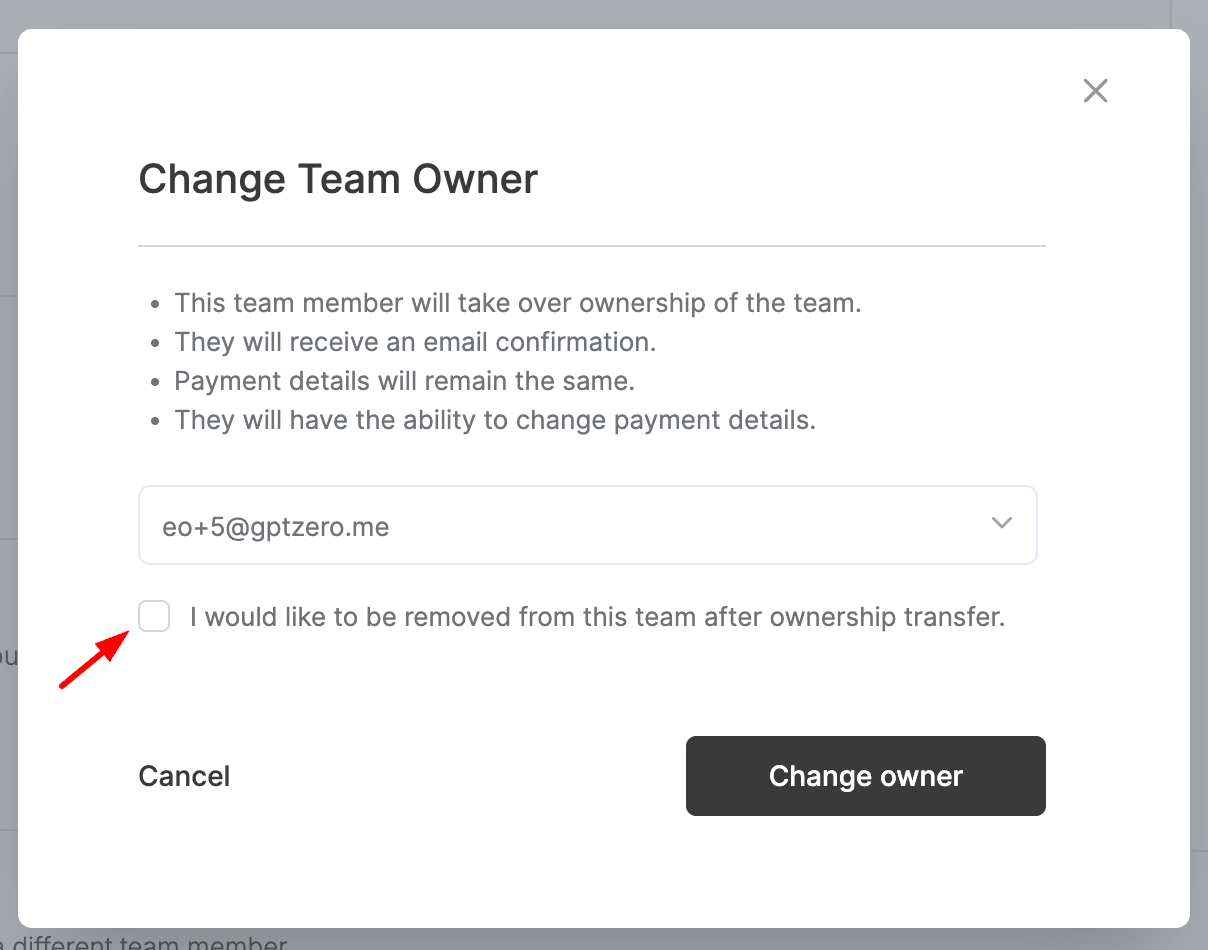
If you would like to be removed from the team after transferring ownership, tick the box I would like to be removed from this team after ownership transfer.
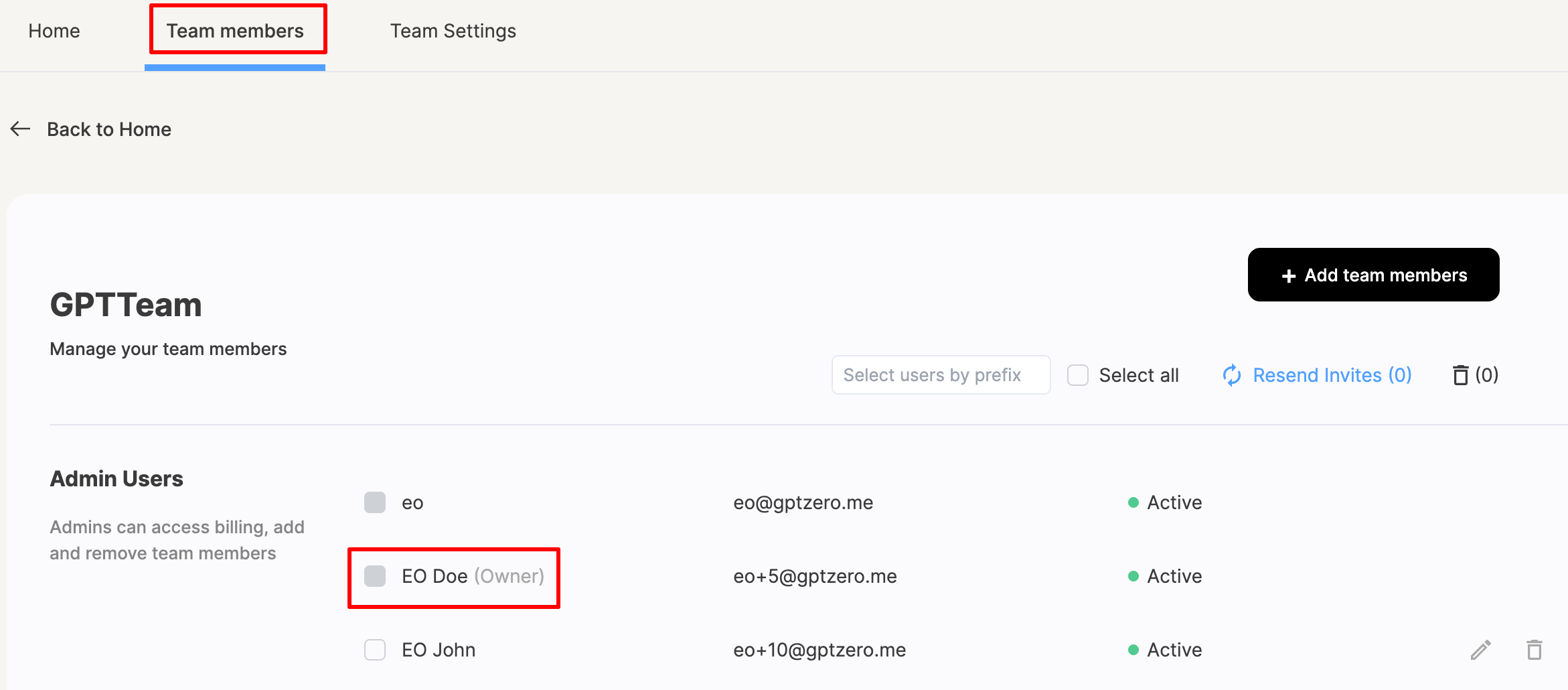
After completing these steps, go to the Team Members tab to confirm that the ownership has been successfully transferred.