How do I delete my account?
Last updated: October 19, 2026
You can delete your account directly from your account settings by following the steps below:
Log in to your account at https://app.gptzero.me/login
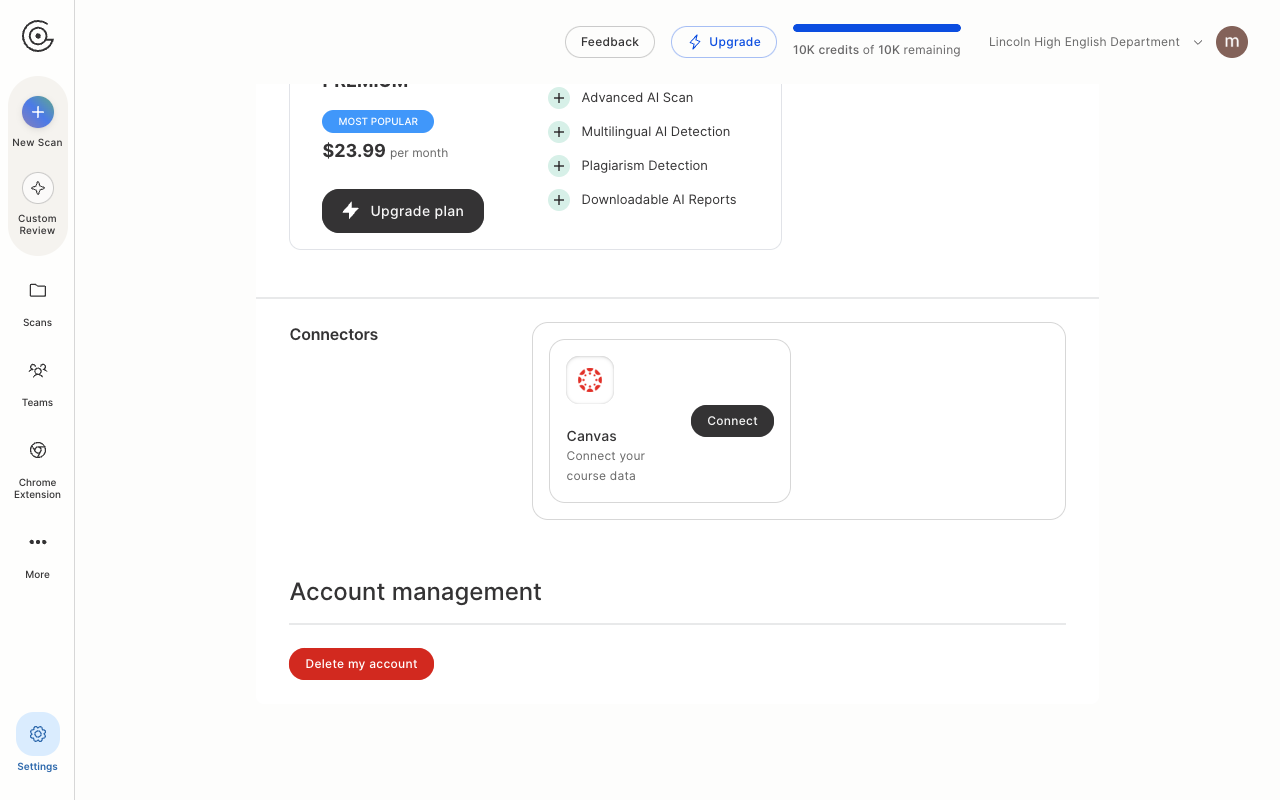
Click the Settings (gear) icon at the bottom of the left sidebar, or go directly to https://app.gptzero.me/account-settings
Scroll to the bottom of the page, to Account management
Click Delete my account
In the Delete account? window, type your email address in the Type your email to confirm field and click Delete. The button stays greyed out until the address matches the one on your account.
Your account will be deleted and you will be logged out automatically.
Two things worth knowing:
Deleting your account does not reset your free usage limit. If you sign up again with the same email address, you keep the same limit.
If you have a past due subscription, you will be sent to Stripe to settle it first instead of the account being deleted.
If you run into any issues, contact us at team@gptzero.me from your registered email address and we will process your request within 3 to 5 business days.