What is the Google Docs writing report for Origin?
Last updated: September 11, 2025
With our Chrome extension, Origin, you can now see a video of your student’s writing process, along with a report evaluating whether the writing pattern seems human-written.
To use the Google Docs writing report for the Origin extension, follow the steps below:
- Install Origin by GPTZero
- Open a Google Docs document
- Click on 'Show the Google Docs Writing Report' from the extension menu as below:
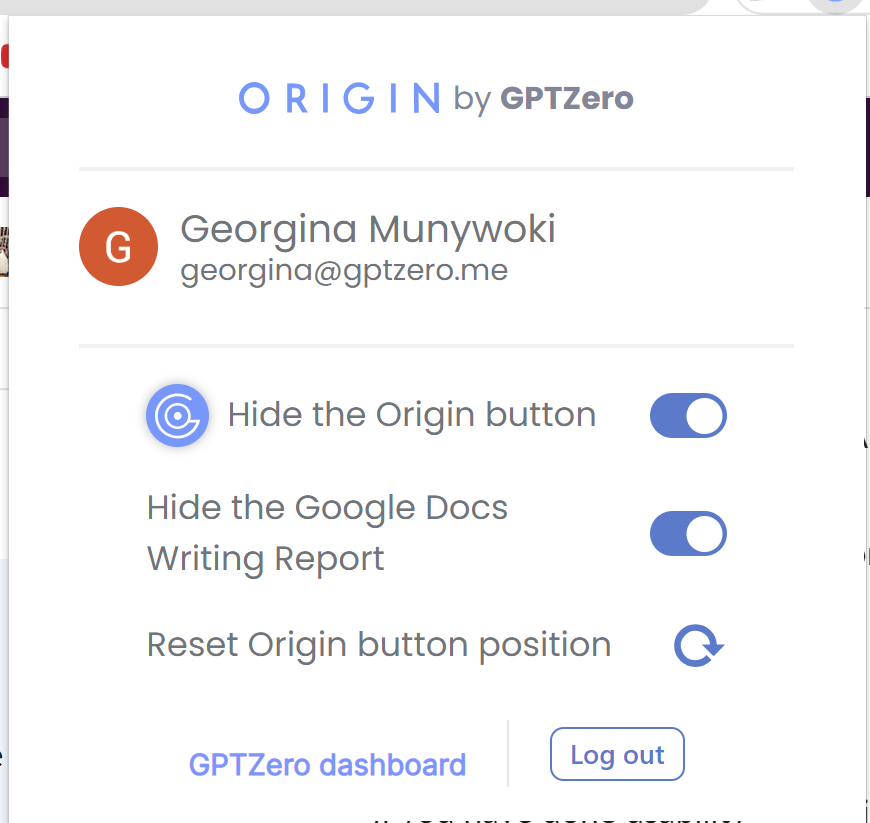
4. The extension will analyze the document and give a report that you can review and share.