How do I use AI Vision by GPTZero
Last updated: October 19, 2026
AI Vision detects AI-generated content while you browse. Instead of copying text into a detector, it scans posts, comments, and articles as you scroll and tags them with a badge.
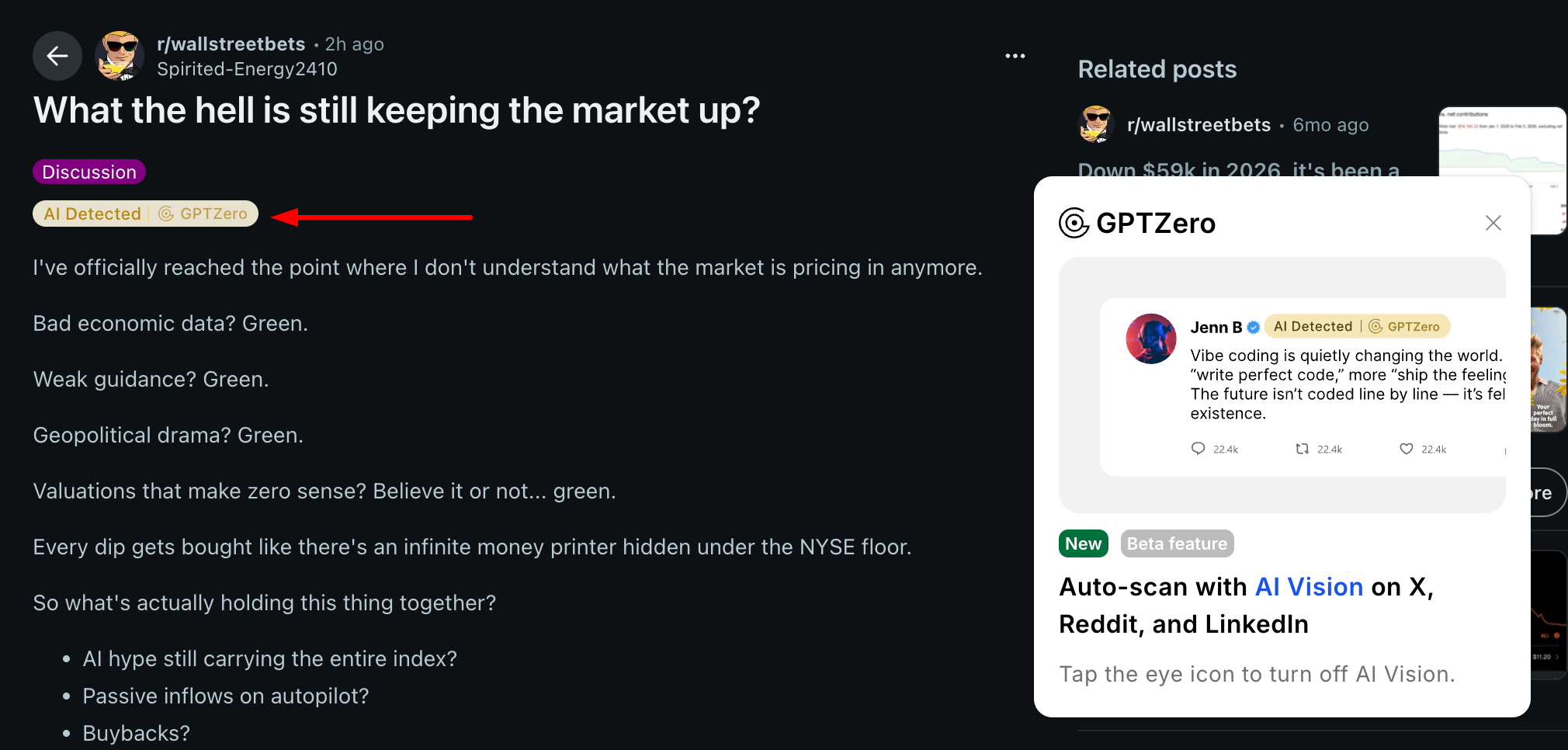
AI Vision works on Facebook, Kalshi, LinkedIn, Medium, Polymarket, Reddit, Substack, X, and YouTube. It can also run on Gmail, Outlook, Amazon, and Google Reviews, but those start turned off. Turn a site on or off under AI Vision in the extension settings. Auto-scan my feed has to be on for the site toggles to scan.
How does it work?
AI Vision is part of the GPTZero browser extension, which works in Chrome, Edge, and Firefox. You need to be logged in. Logged-out users see the sign-in prompt and AI Vision does not scan.
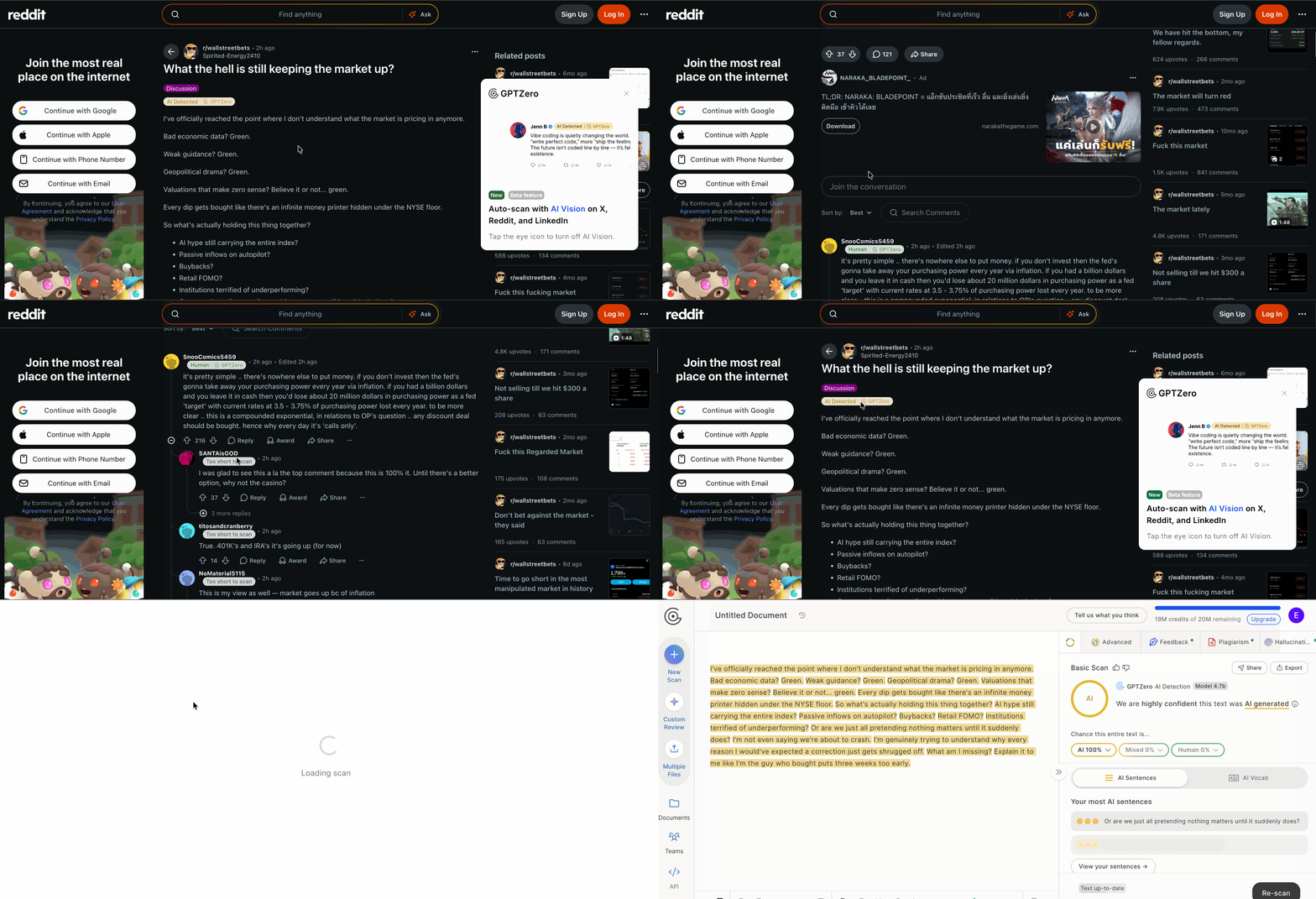
How do I get AI Vision?
Install the GPTZero extension from the Chrome Web Store and log in.
Open a supported site, such as Reddit, X, LinkedIn, Medium, or Substack.
As you scroll, content is tagged with a badge.
On the free plan you can run up to 100 AI Vision scans per hour. GPTZero Premium removes that limit.